3D Models World
  • 3D MODELS
  • xSHATTER FX
  • TUTORIALS
  • 3D MODELS
  • xSHATTER FX
  • TUTORIALS
  • CONTACT US
  • Account
  • Contact Us
  • $0.00 0 items
Home / Tutorials / Page 2

Category: Tutorials

Latest 3D / 2D Tutorials

Posted on August 27, 2018May 9, 2023 by 3DMW — Leave a comment

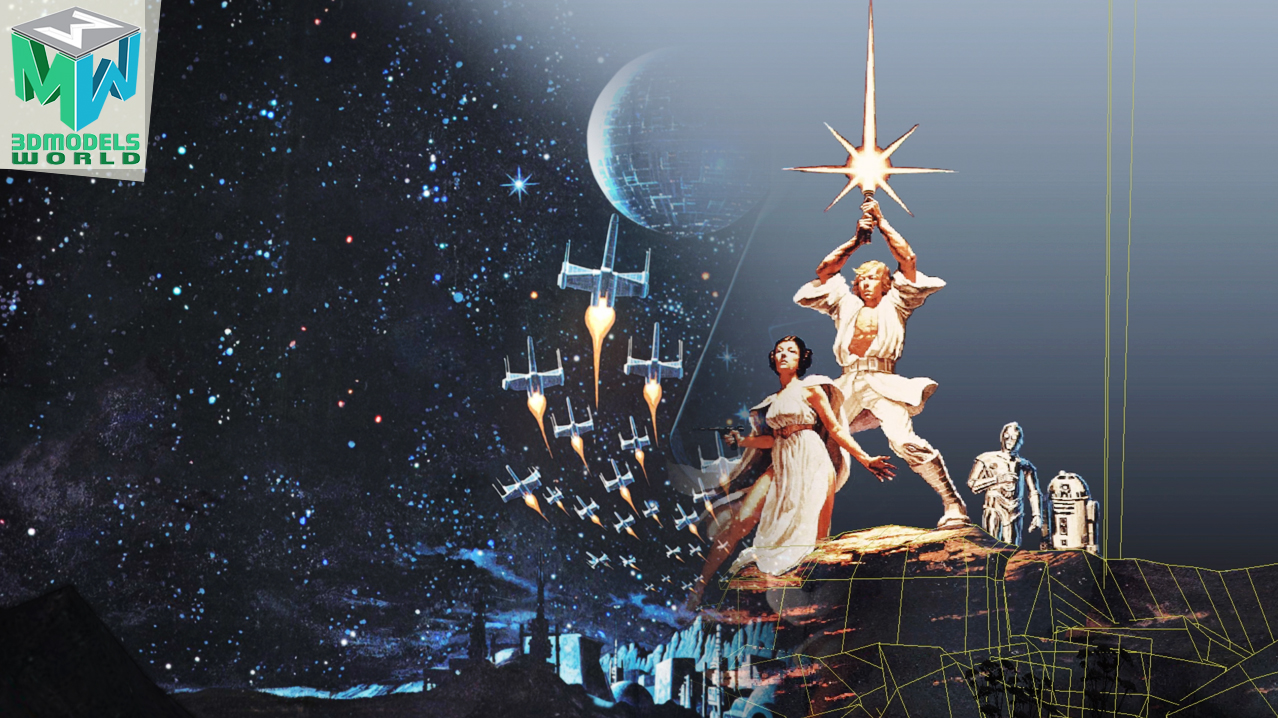
Maya Camera Projection Breakdown: Star Wars A New Hope 3D Animation

maya-camera-projection-breakdown-star-wars-a-new-hope-3d-animation-tutorial
Categories: blog, Tutorials
Posted on June 15, 2018May 9, 2023 by 3DMW — Leave a comment

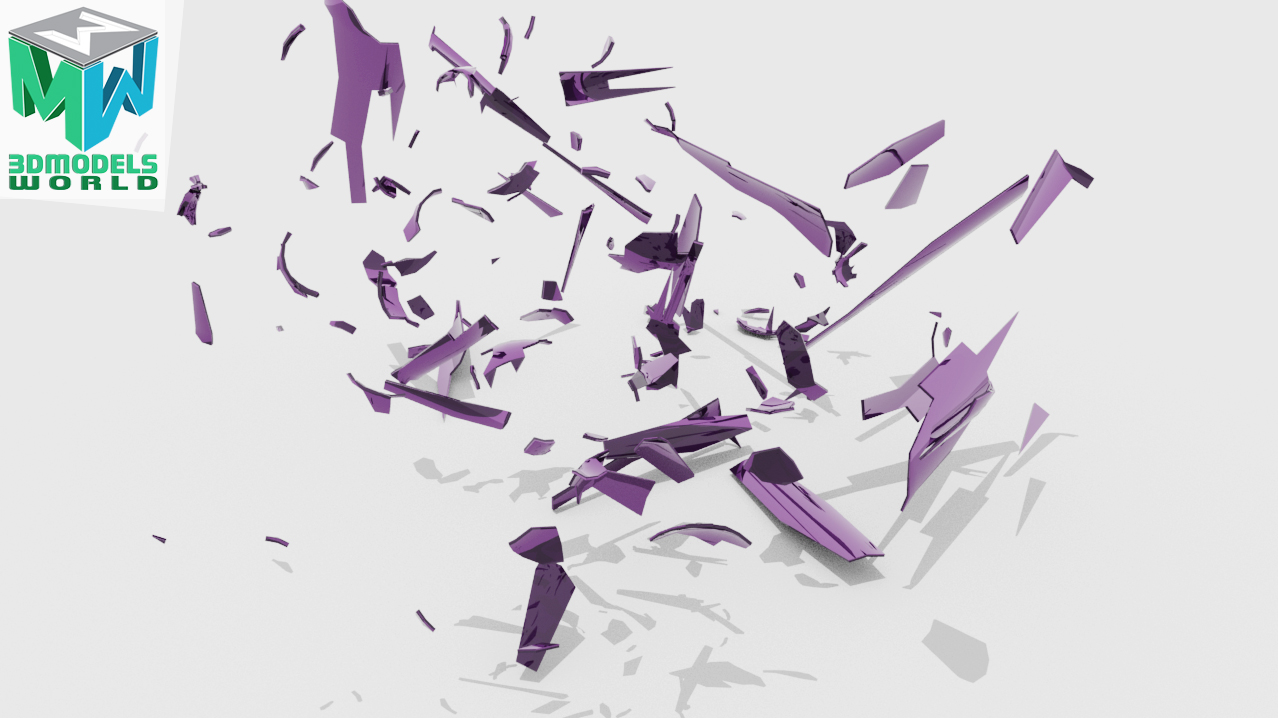
How to Shatter Glass in Maya and Bullet Physics Simulation – Bottle Shattering Animation

how-to-shatter-glass-in-maya-and-bullet-physics-simulation-bottle-shattering-animation1
Categories: blog, Tutorials
Posted on June 8, 2018May 9, 2023 by 3DMW — Leave a comment

How to Render Arnold Zdepth AOV Pass in Maya and Composite in After Effects Tutorial

how-to-render-arnold-Zdepth-aov-pass-in-maya-and-composite-in-aftereffects-tutorial1
Categories: blog, Tutorials
Posted on June 1, 2018May 9, 2023 by 3DMW — Leave a comment

Maya Bullet Physics Simulation Tutorial Wrecking Ball Animation Active and Passive Rigid Body

maya-bullet-physics-simulation-tutorial-wrecking-ball-animation-active-and-passive-rigid-body-1
Categories: blog, Tutorials
Posted on May 18, 2018May 9, 2023 by 3DMW — Leave a comment

How To Create Light Flickering In Maya and Arnold – Neon Flicker Animation

how-to-create-light-flickering-in-maya-and-arnold-neon-flicker-animation-tutorial2
Categories: blog, Tutorials
Posted on May 11, 2018May 9, 2023 by 3DMW — Leave a comment

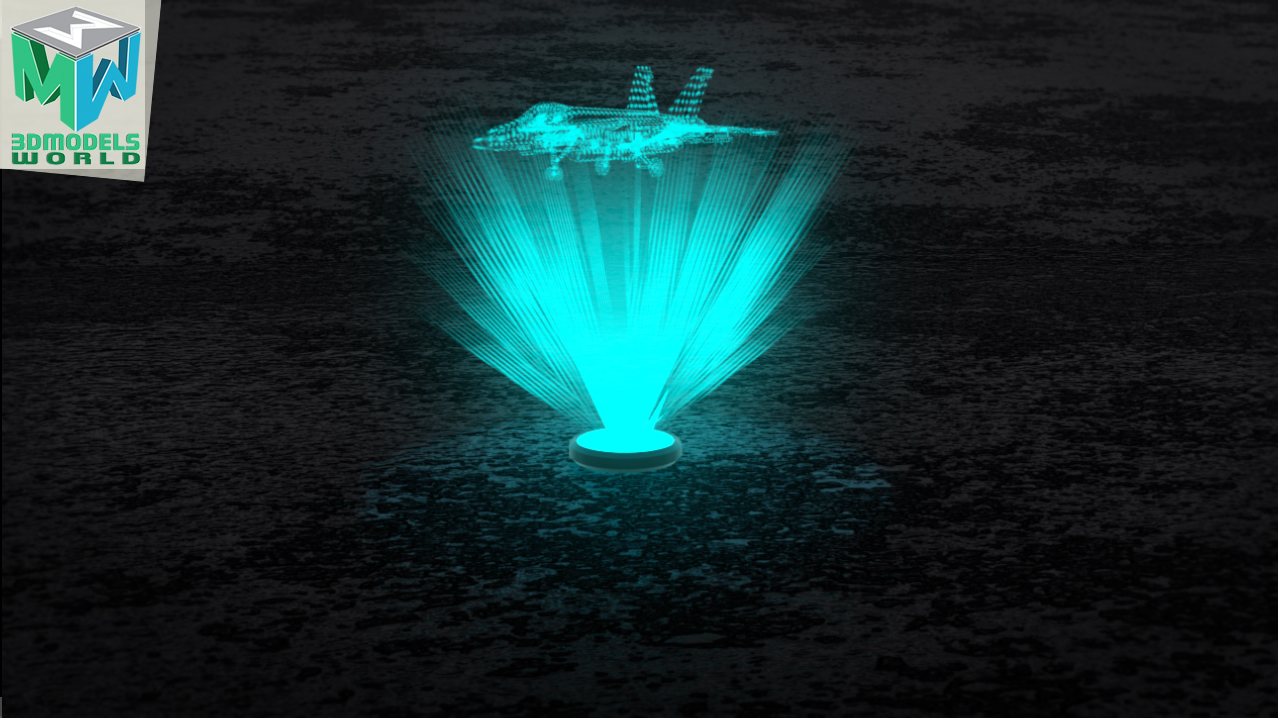
Creating a Hologram Animation In Maya and Arnold – Holographic Projection

creating-a-hologram-animation-in-maya-and-arnold-holographic-projection-tutorial
Categories: blog, Tutorials
Posted on May 4, 2018May 9, 2023 by 3DMW — Leave a comment

How to Render Wireframe in Arnold and Maya – Tutorial

how-to-render-wireframe-in-arnold-and-maya-tutorial1
Categories: blog, Tutorials
Posted on April 26, 2018May 9, 2023 by 3DMW — Leave a comment

How to Create 3D Pebbles from Photos and Render in Maya and Arnold – Quickly

how-to-create-3d-pebbles-from-photos-and-render-in-maya-and-arnold-quickly-tutorial
Categories: blog, Tutorials
Posted on April 20, 2018May 9, 2023 by 3DMW — Leave a comment

Star Wars A New Hope Classic Poster 3D Animation in Maya – Must Watch

star-wars-a-new-hope-classic-poster-3d-animation-in-maya-must-watch
Categories: animation, Tutorials
Posted on April 13, 2018May 9, 2023 by 3DMW — Leave a comment

How to Create 3D Timer Digital Clock Counting Animation in Maya and Arnold Tutorial

how-to-create-3d-timer-digital-clock-counting-animation-in-maya-and-arnold-tutorial1
Categories: blog, Tutorials
Posted on April 6, 2018May 9, 2023 by 3DMW — Leave a comment

Maya Tutorial – How to Create Unique Custom 3D Text in Maya All Versions

maya-tutorial-how-to-create-unique-custom-3d-text-in-maya-all-versions1
Categories: blog, Tutorials
Posted on March 30, 2018May 9, 2023 by 3DMW — Leave a comment

Maya Tutorial: How to Animate Day to Night Transition Earth 3D Animation in Maya and Arnold

maya-tutorial-how-to-animate-day-to-night-transition-earth-3d-animation-in-maya-and-arnold1
Categories: blog, Tutorials

Posts pagination

  • Previous
  • 1
  • 2
  • 3
  • 4
  • Next
This Week Top 10 Picks
Rubber Tired Gantry Crane RTG Crane 3D Model – RealtimeRubber Tired Gantry Crane RTG Crane 3D Model – Realtime
Wheat 3D ModelWheat 3D Model
Nude Female 3D ModelNude Female 3D Model
Japanese Shop 3D ModelJapanese Shop 3D Model
Soccer Ball PBR 3D ModelSoccer Ball PBR 3D Model
Oil Pump Jack 3D Model – RealtimeOil Pump Jack 3D Model – Realtime
Cake Shop 3D ModelCake Shop 3D Model
Human Heart 3D Model – RealtimeHuman Heart 3D Model – Realtime
ProjShader Tool - Quickly Create Projection Shaders in MayaProjShader Tool - Quickly Create Projection Shaders in Maya
Luffing Boom Crane 3D ModelLuffing Boom Crane 3D Model
Latest Tutorials
  • Destroy a Wall in Maya and Bullet Physics Tutorial – Wall Demolition Maya Shatter FX…
  • XRay Shader Arnold Render Maya Tutorial – Any Maya Version
  • See Through Rendering in Maya X-ray Vision Render

Kind Words From Our Happy Customers

Alex Monteiro
Senior 3d designer

Before purchasing, I was worried about the quality of the models and the UV’s but I had a good experience fast and easy to purchase.

― Quality was good!

Divyaditya Singh

I was not sure that whether I would get a 3D model or a kind of software to build up the model, I got timely responses to my question . Also very nice models with a wide variety and at reasonable prices.

― I Got Timely Responses to My Question!

Paris
Lighting Artist

Fast, professional and straightforward service, legit website with no scams and no corrupted files.

― Service is Professional and Clear

A.B.
3D Engineer

My fear is that I would not be able to scale down the parts of the 3d model. but I was able to scale down the parts to a working size without any issues, purchasing the items through PayPal was quick and easy, If you need a file and it is on sale, go for it. models are well done!

― Great Deals on 3D Models

View All Testimonials

Let's Connect

Watch us on

Reach us on

Welcome to 3dmodelsword!
We use cookies to enhance your browsing experience and to analyze website traffic using Google Analytics and reCAPTCHA. By clicking "Close and Accept," you agree to the use of cookies for these purposes. You can opt out of Google Analytics tracking by using the Google Analytics Opt-Out Browser Add-On. For more details, please review our Privacy Policy

Recent Tutorials

  • Destroy a Wall in Maya and Bullet Physics Tutorial – Wall Demolition Maya Shatter FX…
  • XRay Shader Arnold Render Maya Tutorial – Any Maya Version
© 3D Models World: All Rights Reserved. / Terms of Use / Privacy Policy / Contact Us
  • My Account
  • Search
  • Cart 0
  • Login
  • Sign Up
Forgot Password?
Lost your password? Please enter your username or email address. You will receive a link to create a new password via email.
body::-webkit-scrollbar { width: 7px; } body::-webkit-scrollbar-track { border-radius: 10px; background: #f0f0f0; } body::-webkit-scrollbar-thumb { border-radius: 50px; background: #dfdbdb }