3D Models World

  • 3D MODELS
  • xSHATTER FX
  • TUTORIALS
  • 3D MODELS
  • xSHATTER FX
  • TUTORIALS
  • CONTACT US
  • Account
  • Contact Us
  • $0.00 0 items
Home / Tutorials / Page 2
Posted on August 27, 2018May 9, 2023 by 3DMW — Leave a comment

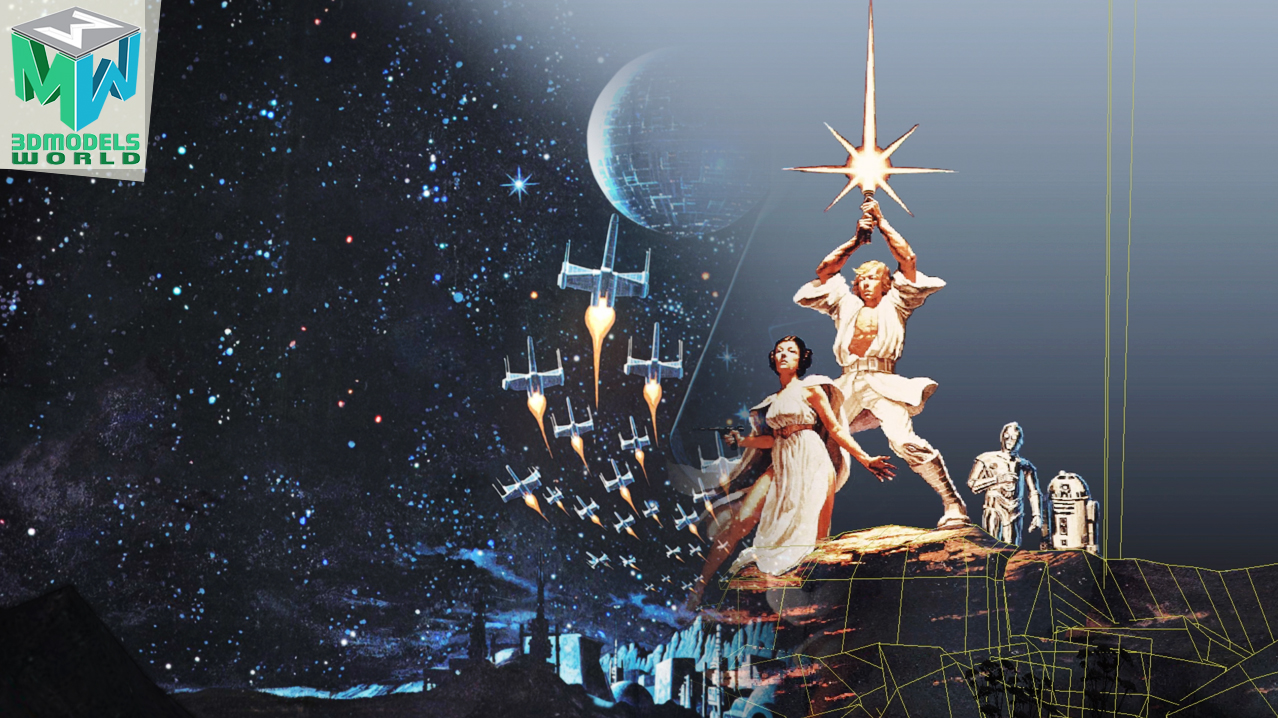
Maya Camera Projection Breakdown: Star Wars A New Hope 3D Animation

maya-camera-projection-breakdown-star-wars-a-new-hope-3d-animation-tutorial
Categories: blog, Tutorials
Posted on June 15, 2018May 9, 2023 by 3DMW — Leave a comment

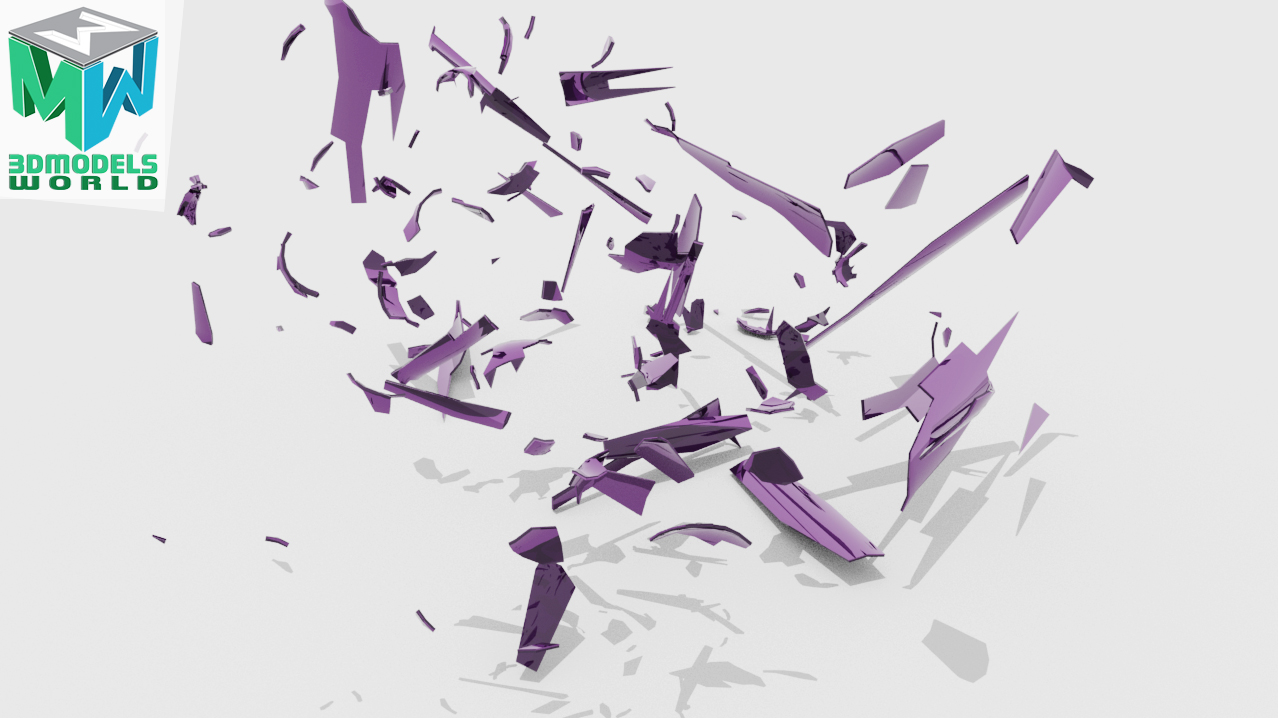
How to Shatter Glass in Maya and Bullet Physics Simulation – Bottle Shattering Animation

how-to-shatter-glass-in-maya-and-bullet-physics-simulation-bottle-shattering-animation1
Categories: blog, Tutorials
Posted on June 8, 2018May 9, 2023 by 3DMW — Leave a comment

How to Render Arnold Zdepth AOV Pass in Maya and Composite in After Effects Tutorial

how-to-render-arnold-Zdepth-aov-pass-in-maya-and-composite-in-aftereffects-tutorial1
Categories: blog, Tutorials
Posted on June 1, 2018May 9, 2023 by 3DMW — Leave a comment

Maya Bullet Physics Simulation Tutorial Wrecking Ball Animation Active and Passive Rigid Body

maya-bullet-physics-simulation-tutorial-wrecking-ball-animation-active-and-passive-rigid-body-1
Categories: blog, Tutorials
Posted on May 18, 2018May 9, 2023 by 3DMW — Leave a comment

How To Create Light Flickering In Maya and Arnold – Neon Flicker Animation

how-to-create-light-flickering-in-maya-and-arnold-neon-flicker-animation-tutorial2
Categories: blog, Tutorials
Posted on May 11, 2018May 9, 2023 by 3DMW — Leave a comment

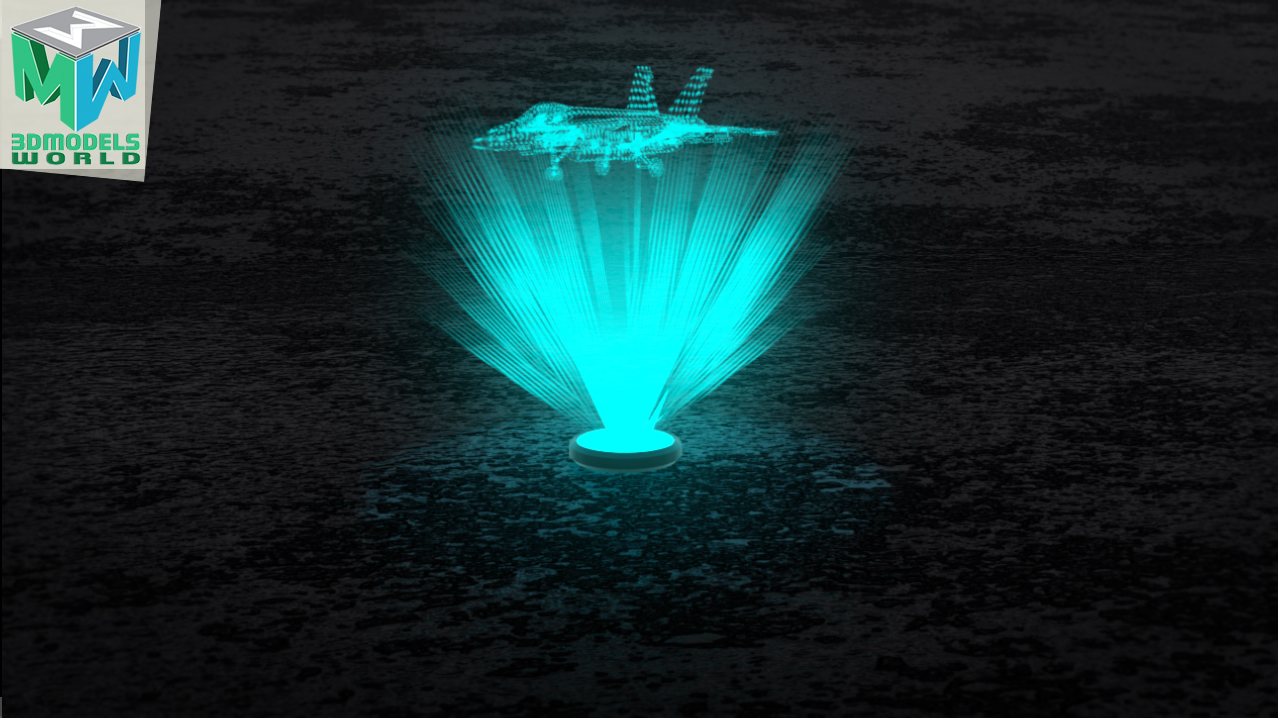
Creating a Hologram Animation In Maya and Arnold – Holographic Projection

creating-a-hologram-animation-in-maya-and-arnold-holographic-projection-tutorial
Categories: blog, Tutorials
Posted on May 4, 2018May 9, 2023 by 3DMW — Leave a comment

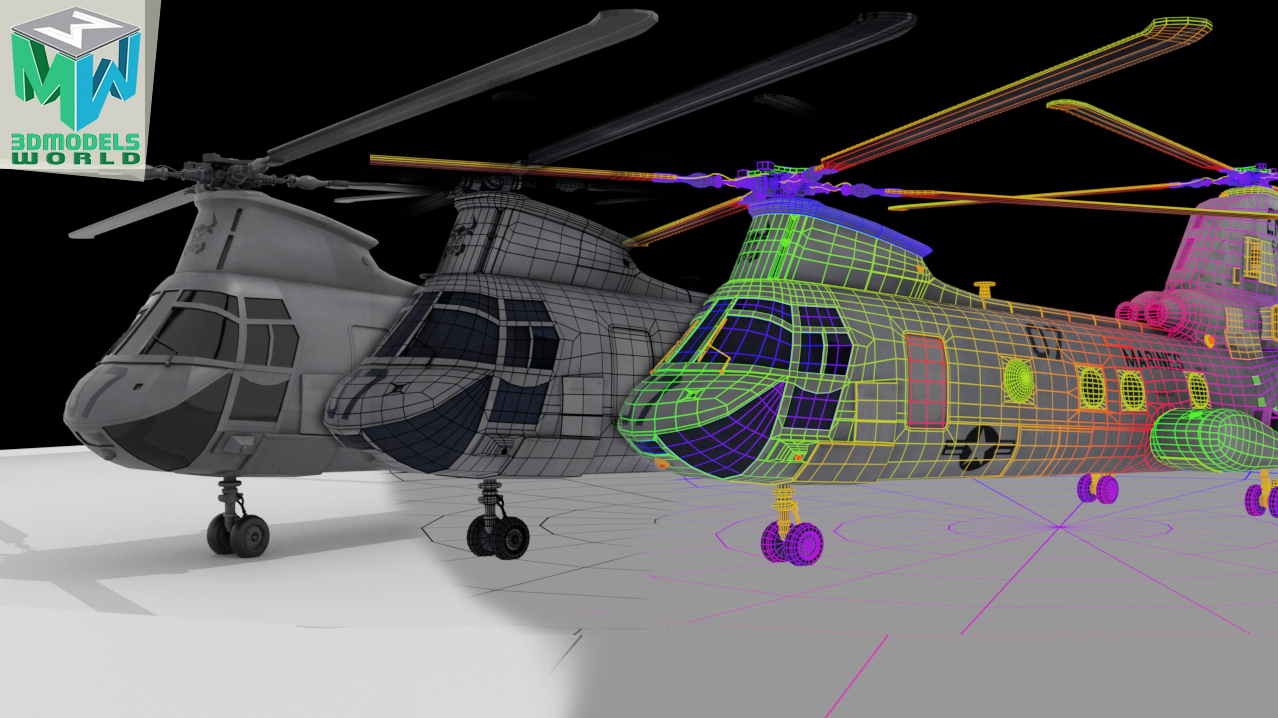
How to Render Wireframe in Arnold and Maya – Tutorial

how-to-render-wireframe-in-arnold-and-maya-tutorial1
Categories: blog, Tutorials
Posted on April 26, 2018May 9, 2023 by 3DMW — Leave a comment

How to Create 3D Pebbles from Photos and Render in Maya and Arnold – Quickly

how-to-create-3d-pebbles-from-photos-and-render-in-maya-and-arnold-quickly-tutorial
Categories: blog, Tutorials
Posted on April 20, 2018May 9, 2023 by 3DMW — Leave a comment

Star Wars A New Hope Classic Poster 3D Animation in Maya – Must Watch

star-wars-a-new-hope-classic-poster-3d-animation-in-maya-must-watch
Categories: animation, Tutorials
Posted on April 13, 2018May 9, 2023 by 3DMW — Leave a comment

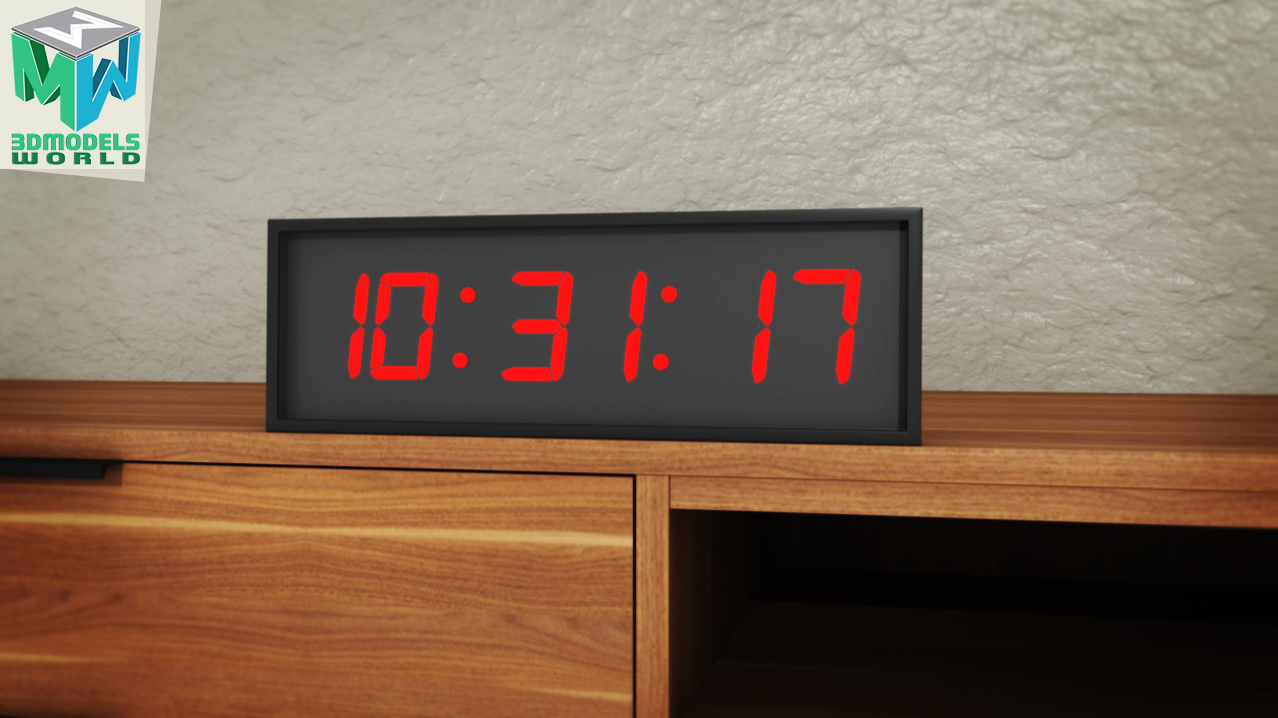
How to Create 3D Timer Digital Clock Counting Animation in Maya and Arnold Tutorial

how-to-create-3d-timer-digital-clock-counting-animation-in-maya-and-arnold-tutorial1
Categories: blog, Tutorials
Posted on April 6, 2018May 9, 2023 by 3DMW — Leave a comment

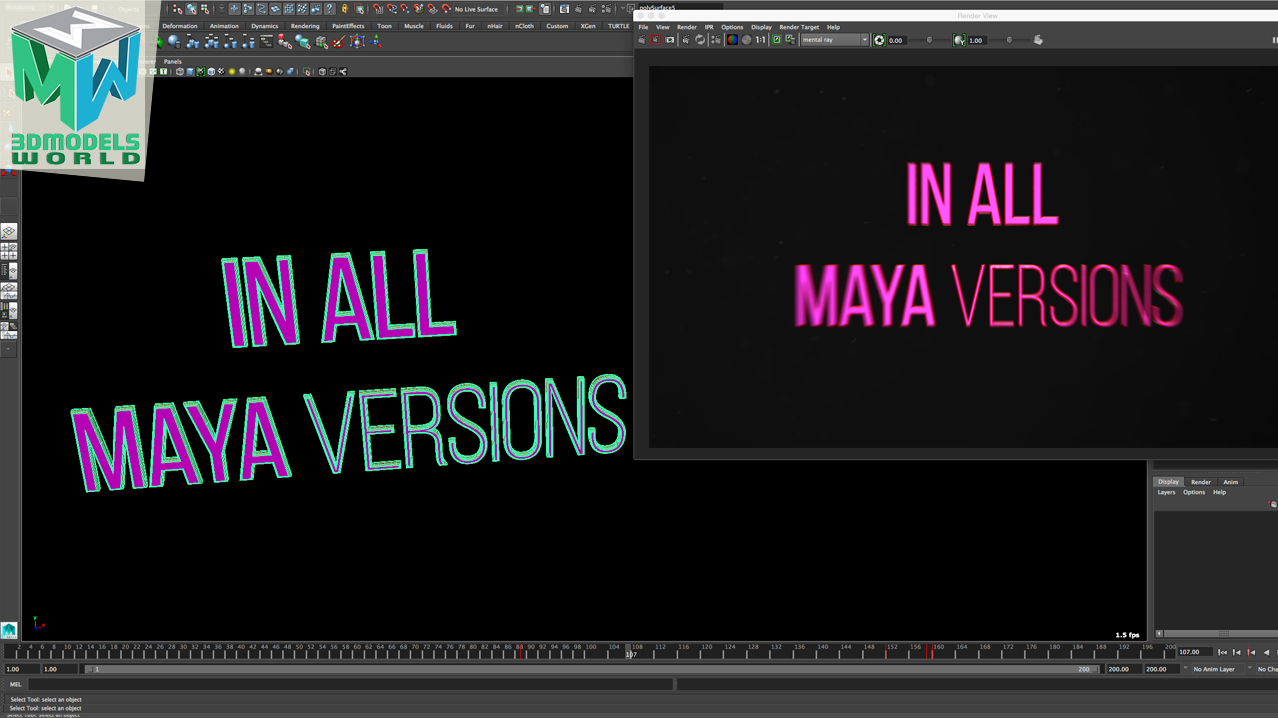
Maya Tutorial – How to Create Unique Custom 3D Text in Maya All Versions

maya-tutorial-how-to-create-unique-custom-3d-text-in-maya-all-versions1
Categories: blog, Tutorials
Posted on March 30, 2018May 9, 2023 by 3DMW — Leave a comment

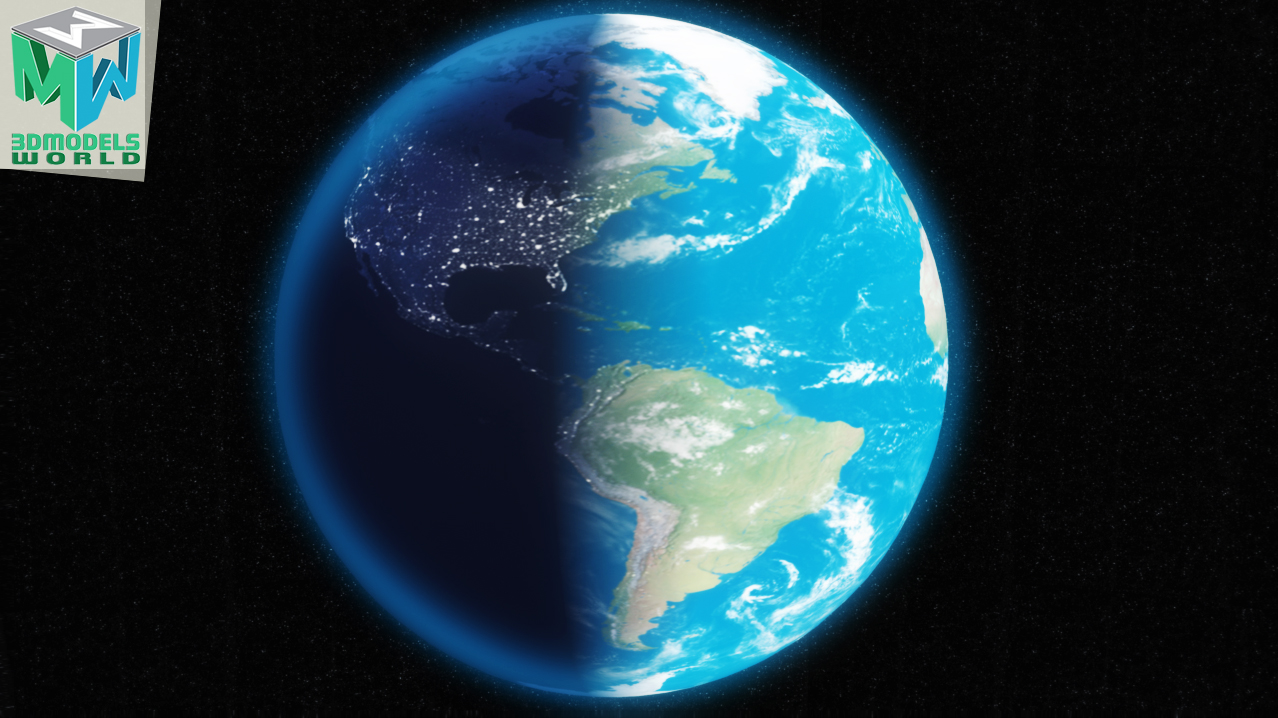
Maya Tutorial: How to Animate Day to Night Transition Earth 3D Animation in Maya and Arnold

maya-tutorial-how-to-animate-day-to-night-transition-earth-3d-animation-in-maya-and-arnold1
Categories: blog, Tutorials

Posts pagination

  • Previous
  • 1
  • 2
  • 3
  • …
  • 5
  • Next
This Week Top 10 Picks
Rock Snow 3D Scan - PBR 3D ModelRock Snow 3D Scan - PBR 3D Model
AT&T Stadium 3D Model – RealtimeAT&T Stadium 3D Model – Realtime
Human Heart 3D Model – RealtimeHuman Heart 3D Model – Realtime
Soccer Ball PBR 3D ModelSoccer Ball PBR 3D Model
Nude Female 3D ModelNude Female 3D Model
Crane Tower 3D ModelCrane Tower 3D Model
Sperm 3D ModelSperm 3D Model
Wind Turbine 3D Model – RealtimeWind Turbine 3D Model – Realtime
Giordano Bruno Statue 3D ModelGiordano Bruno Statue 3D Model
Ralph Wilson Stadium 3D Model – RealtimeRalph Wilson Stadium 3D Model – Realtime
Latest Tutorials
  • Destroy a Wall in Maya and Bullet Physics Tutorial – Wall Demolition Maya Shatter FX…
  • XRay Shader Arnold Render Maya Tutorial – Any Maya Version
  • See Through Rendering in Maya X-ray Vision Render

Kind Words From Our Happy Customers

KBG-Artist

I was worry to be scammed like other websites, but it was great experience! and I would totally recommend 3D Models World to anyone!

― Legit Place to Buy 3D Models

Zainuddin Sajuri
(PhD), Associate Professor at Universiti Kebangsaan Malaysia

My biggest fear before buying from 3D Models World was whether the models are detailed as the real ones. But unbelievably it was really detailed and well optimized even I can use it as a 3D model for simulation in my commercial software.

― The 3D models are very useful for my teaching project.

Paul Perera
Director Vassal Enterprises

3D Models World just works, speed of service and quality, it should be your first point of call, 1st purchase left me satisfied!

― Good service and follow up!

Jane

The 3D model does work well in our animation software, appreciate the services provided, prompt reply and helpful, the 3D model is nicely done suitable for education and 3D Models World Team is very helpful in providing additional support to cater for customer needs.

― Very Helpful in Providing Additional Support to Cater for Customer Needs

View All Testimonials

Let's Connect

Watch us on

Reach us on

Welcome to 3dmodelsword!
We use cookies to enhance your browsing experience and to analyze website traffic using Google Analytics and reCAPTCHA. By clicking "Close and Accept," you agree to the use of cookies for these purposes. You can opt out of Google Analytics tracking by using the Google Analytics Opt-Out Browser Add-On. For more details, please review our Privacy Policy

Recent Tutorials

  • Destroy a Wall in Maya and Bullet Physics Tutorial – Wall Demolition Maya Shatter FX…
  • XRay Shader Arnold Render Maya Tutorial – Any Maya Version
© 3D Models World: All Rights Reserved. / Terms of Use / Privacy Policy / Contact Us
  • My Account
  • Search
  • Cart 0
  • Login
  • Sign Up
Forgot Password?
Lost your password? Please enter your username or email address. You will receive a link to create a new password via email.
body::-webkit-scrollbar { width: 7px; } body::-webkit-scrollbar-track { border-radius: 10px; background: #f0f0f0; } body::-webkit-scrollbar-thumb { border-radius: 50px; background: #dfdbdb }